
The system, as it runs
From ordering and kitchen display to class schedules, memberships and head-office accounting, every clip and screen here is the real system in use.
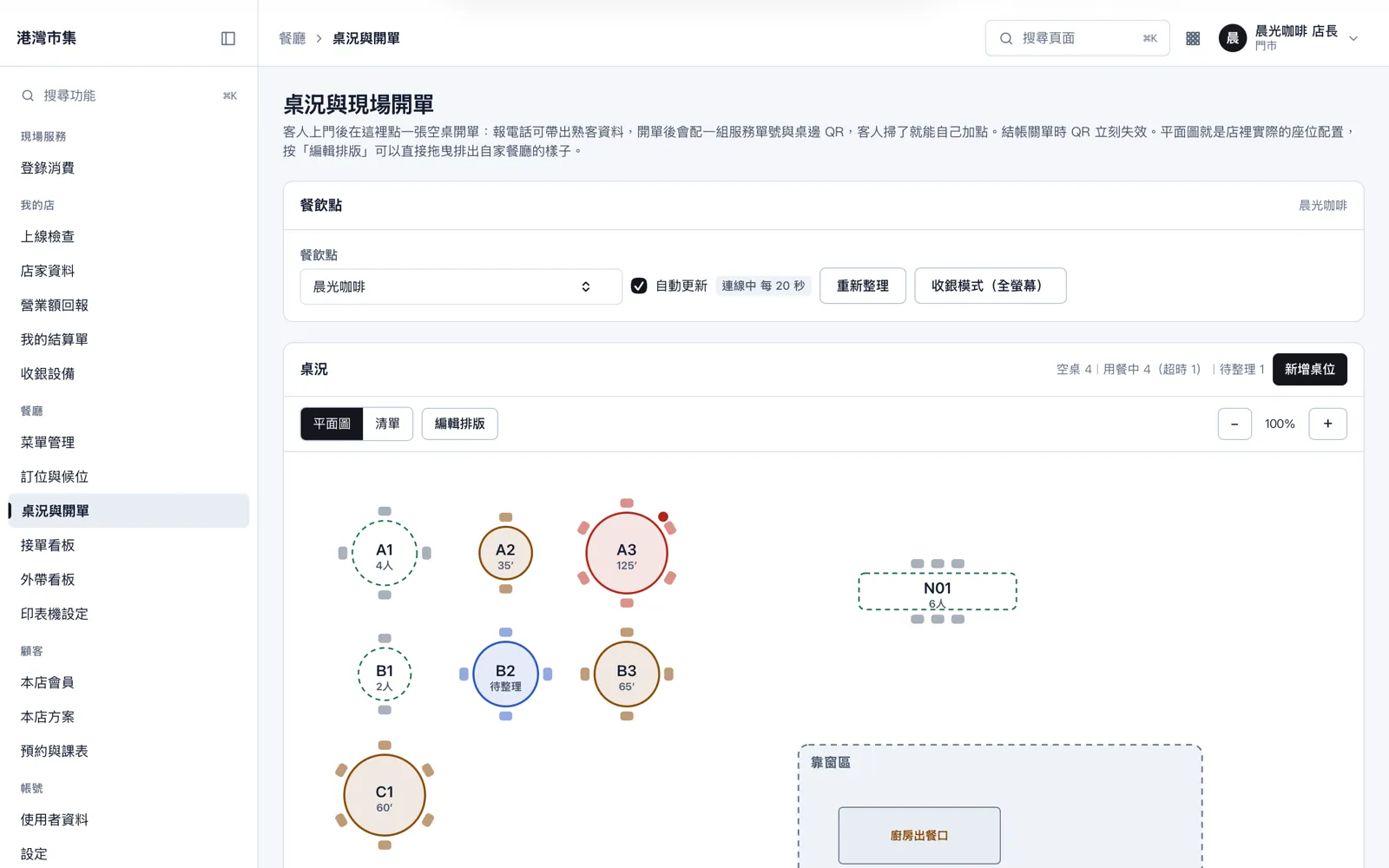
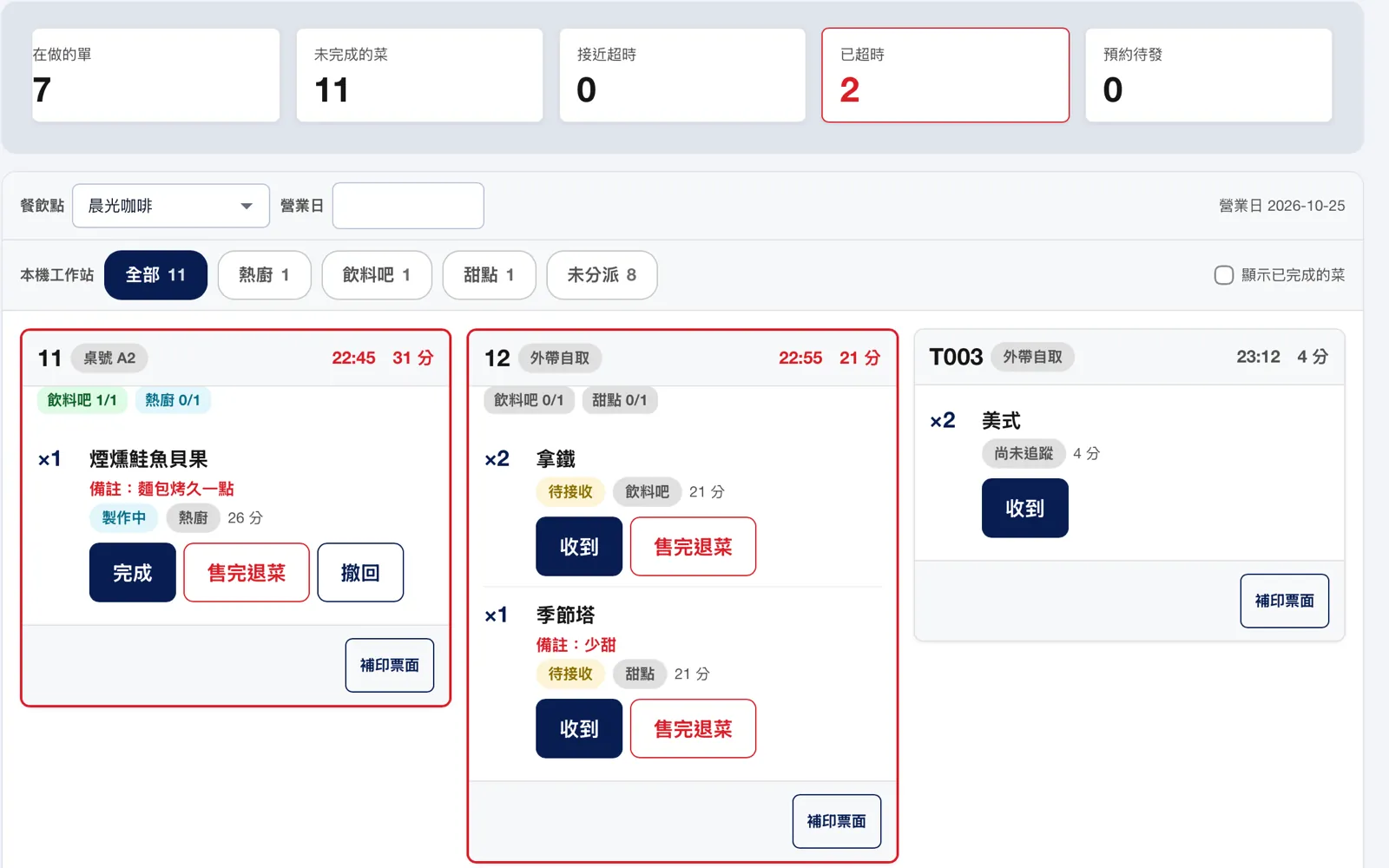
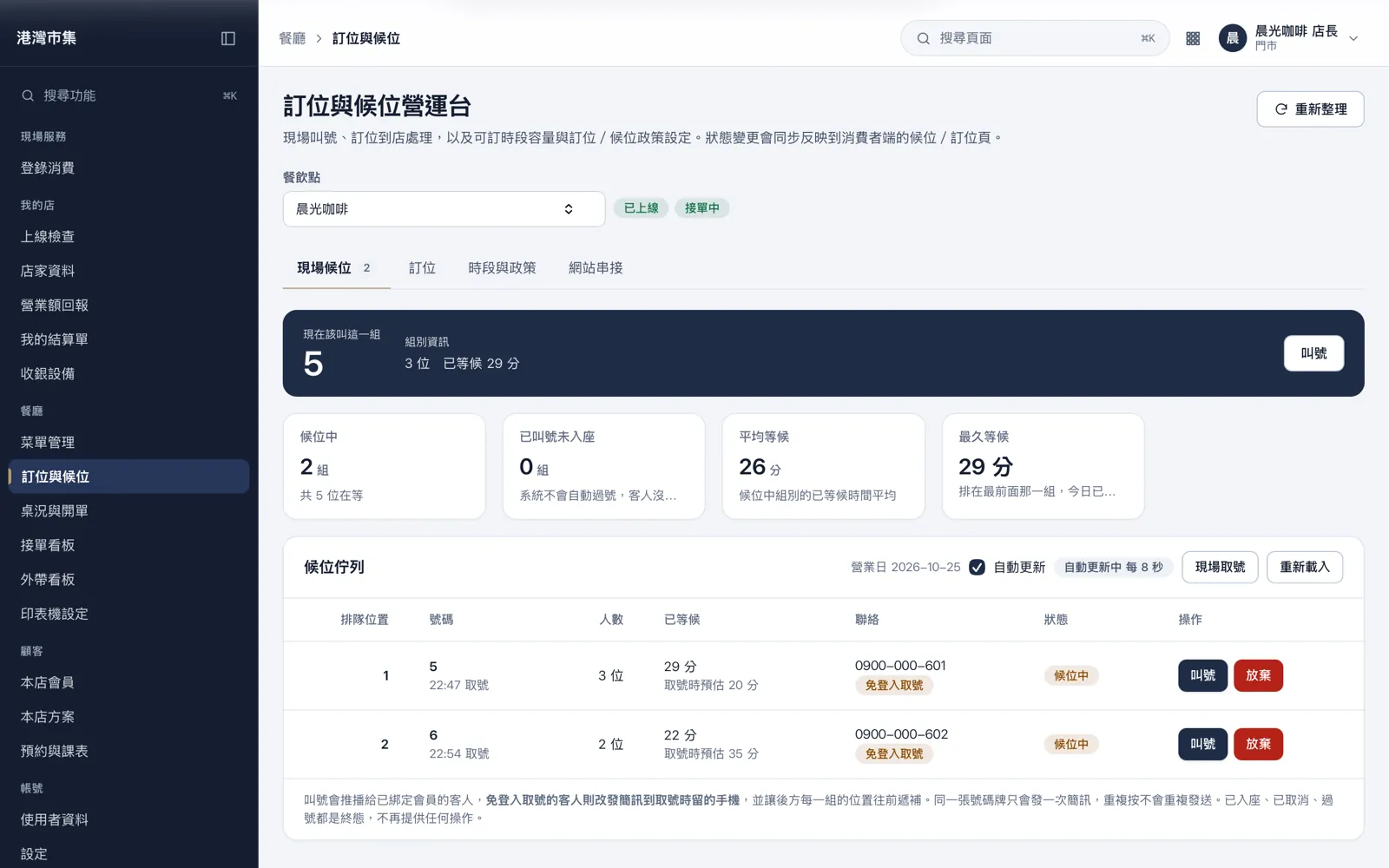
Table status, orders and kitchen tickets in one flow
Guests scan the table QR to order, or staff enter orders for them. The same order reaches the kitchen display instantly and posts to the books at checkout.
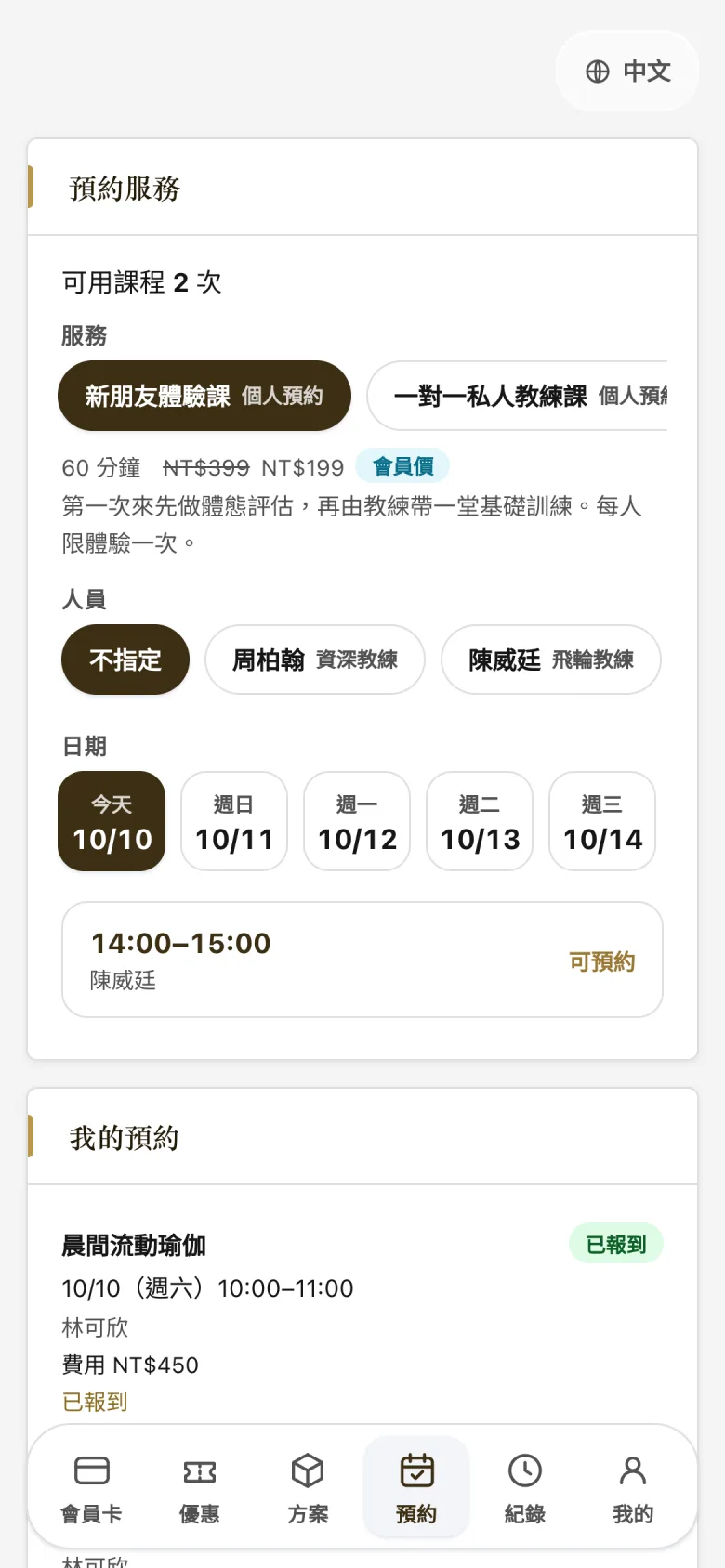
Venues build the schedule, members book on their phones
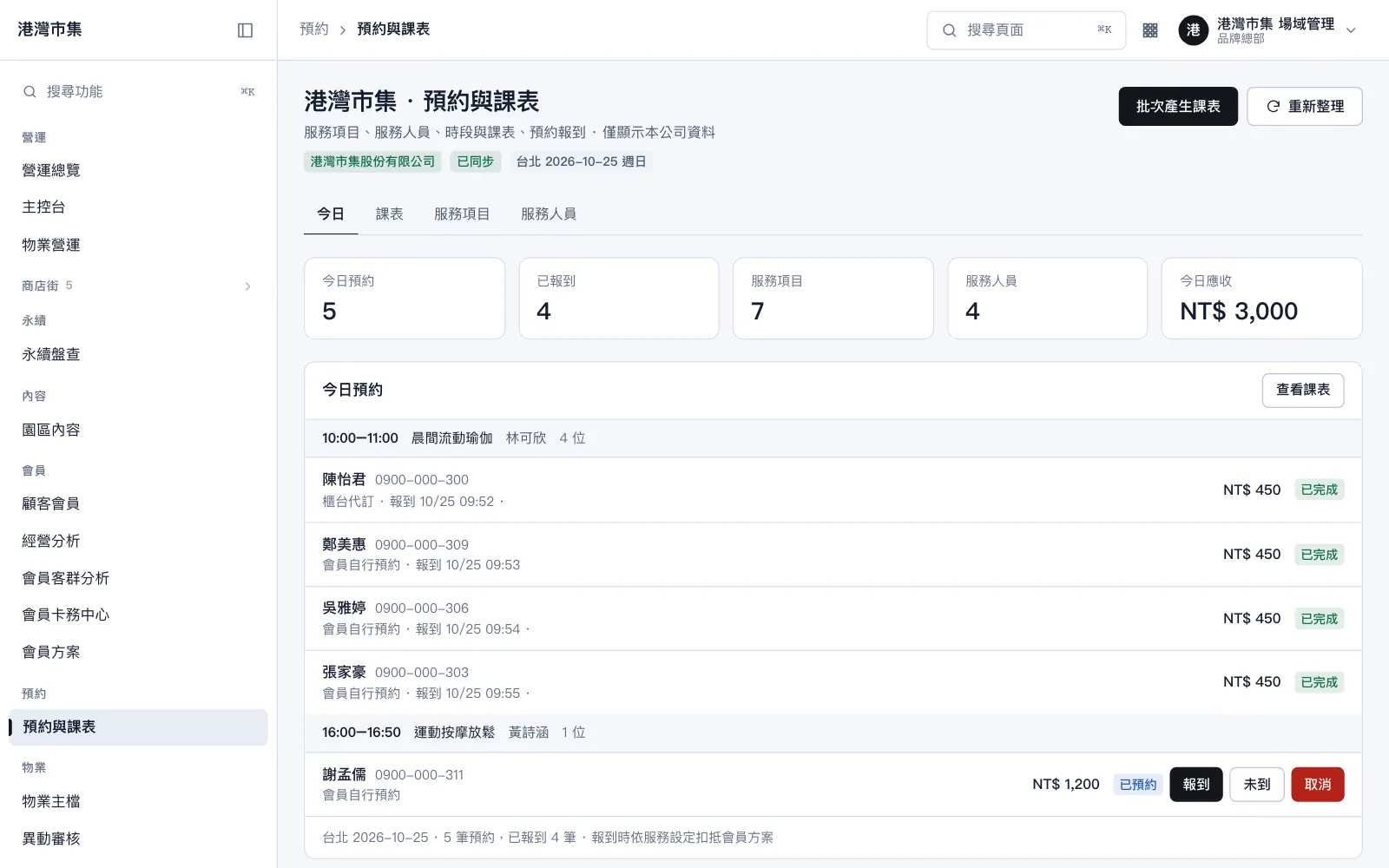
Services, instructors and time slots become a schedule. Capacity updates instantly and check-in deducts from the member's plan automatically.
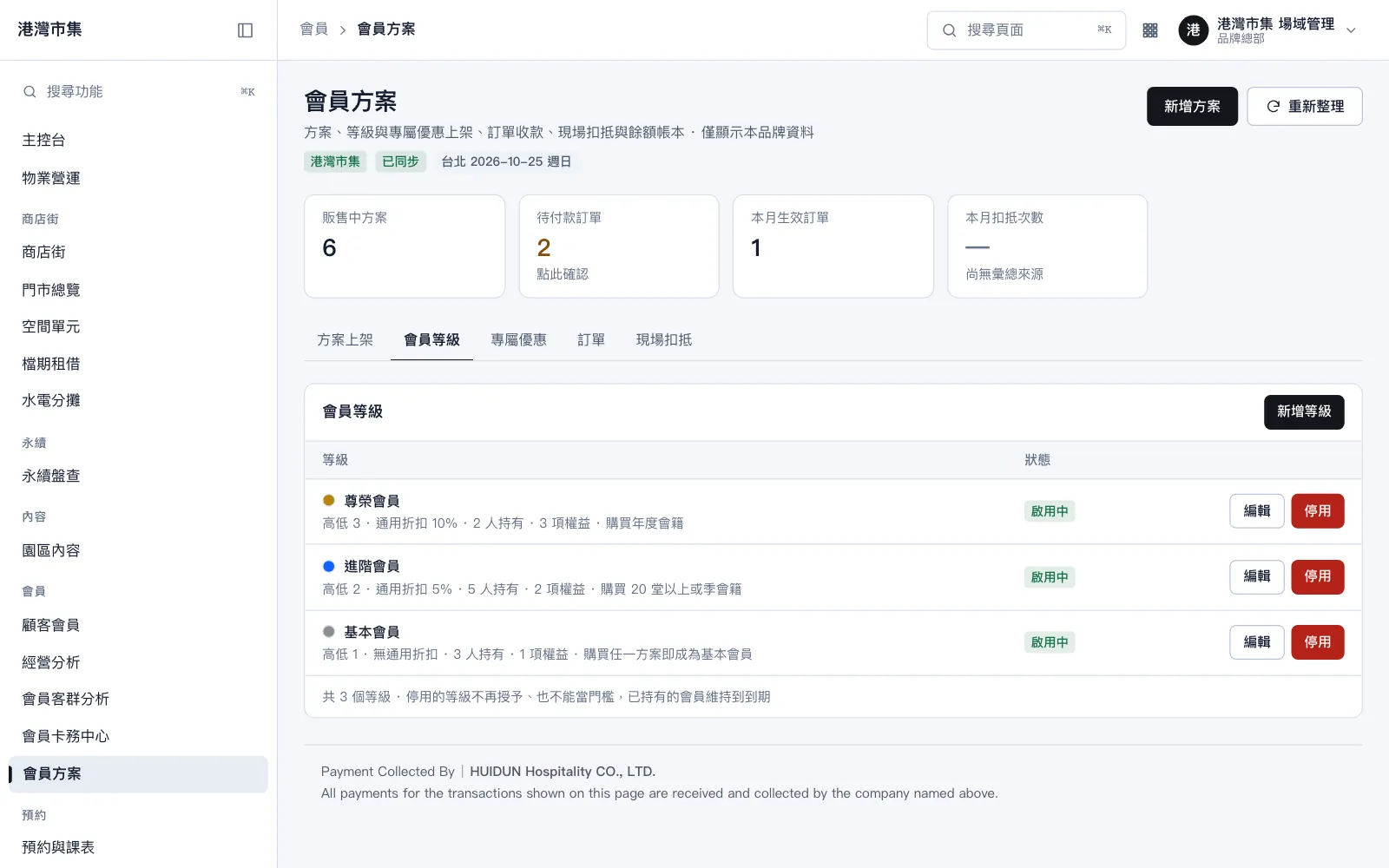
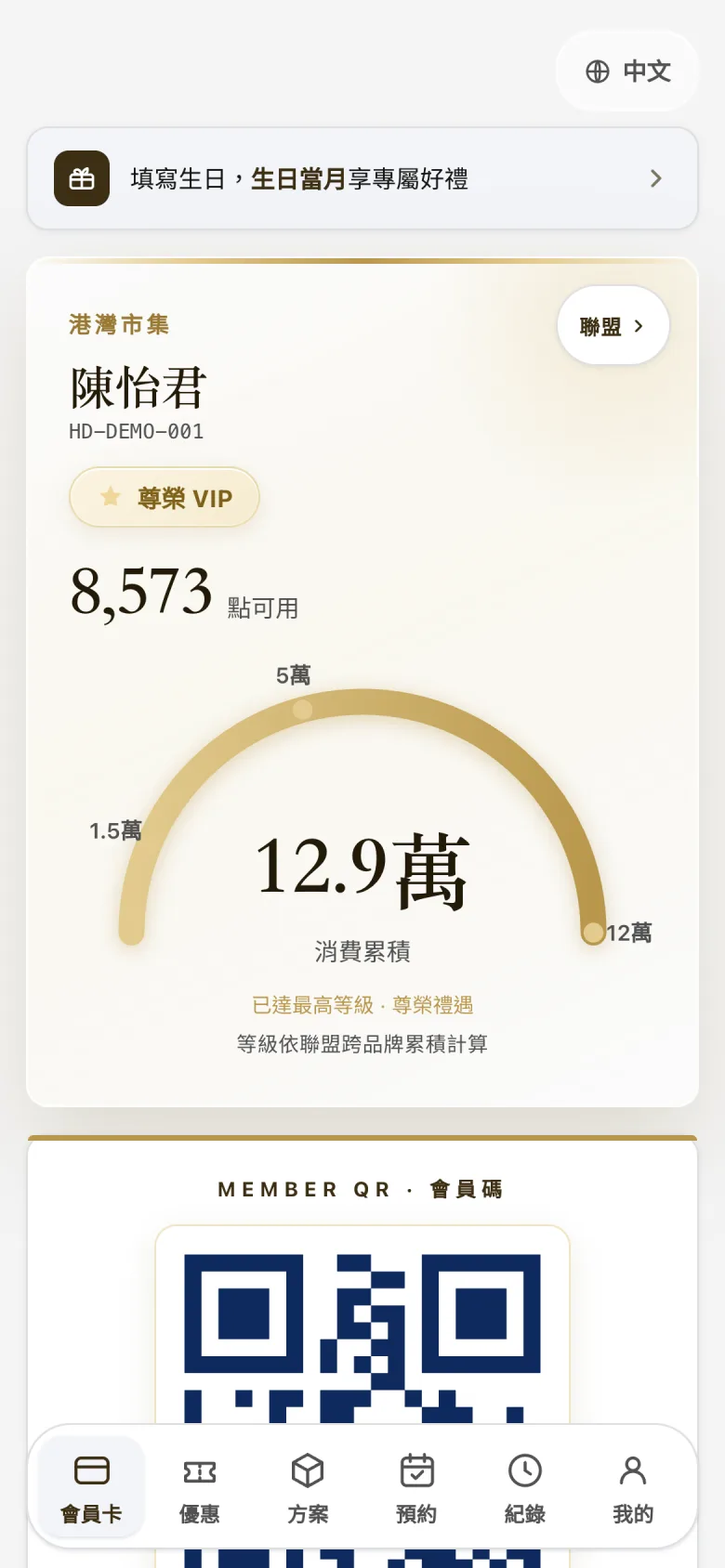
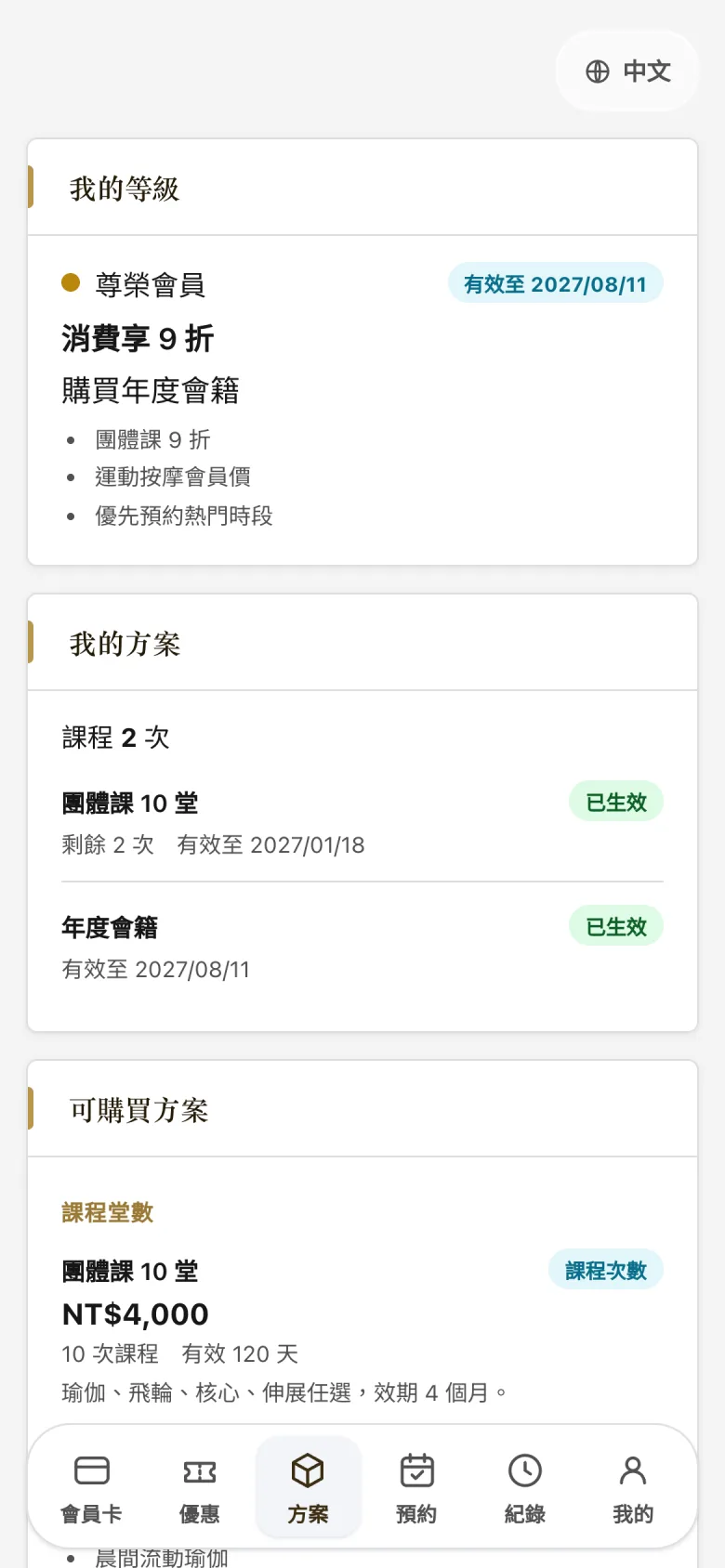
Member card, class packs and tiers in one wallet
Members see their tier, points and remaining sessions on their phone. Venues manage plans, orders and tier thresholds in the back office.
One phone to serve members, one phone to see everything
Native iOS apps exist for the store and for head office. The clips below were recorded on a real device, using data from the demo environment.
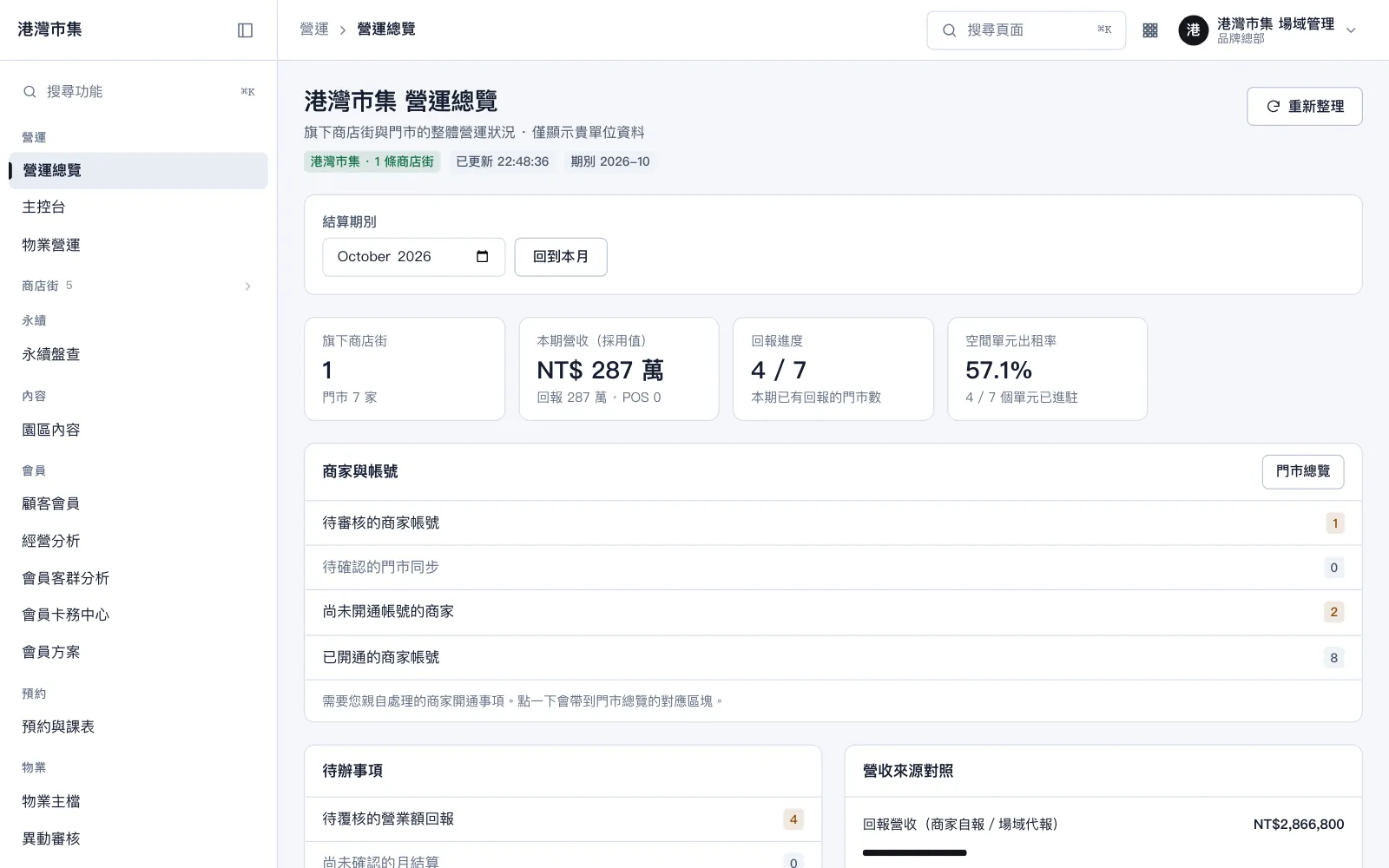
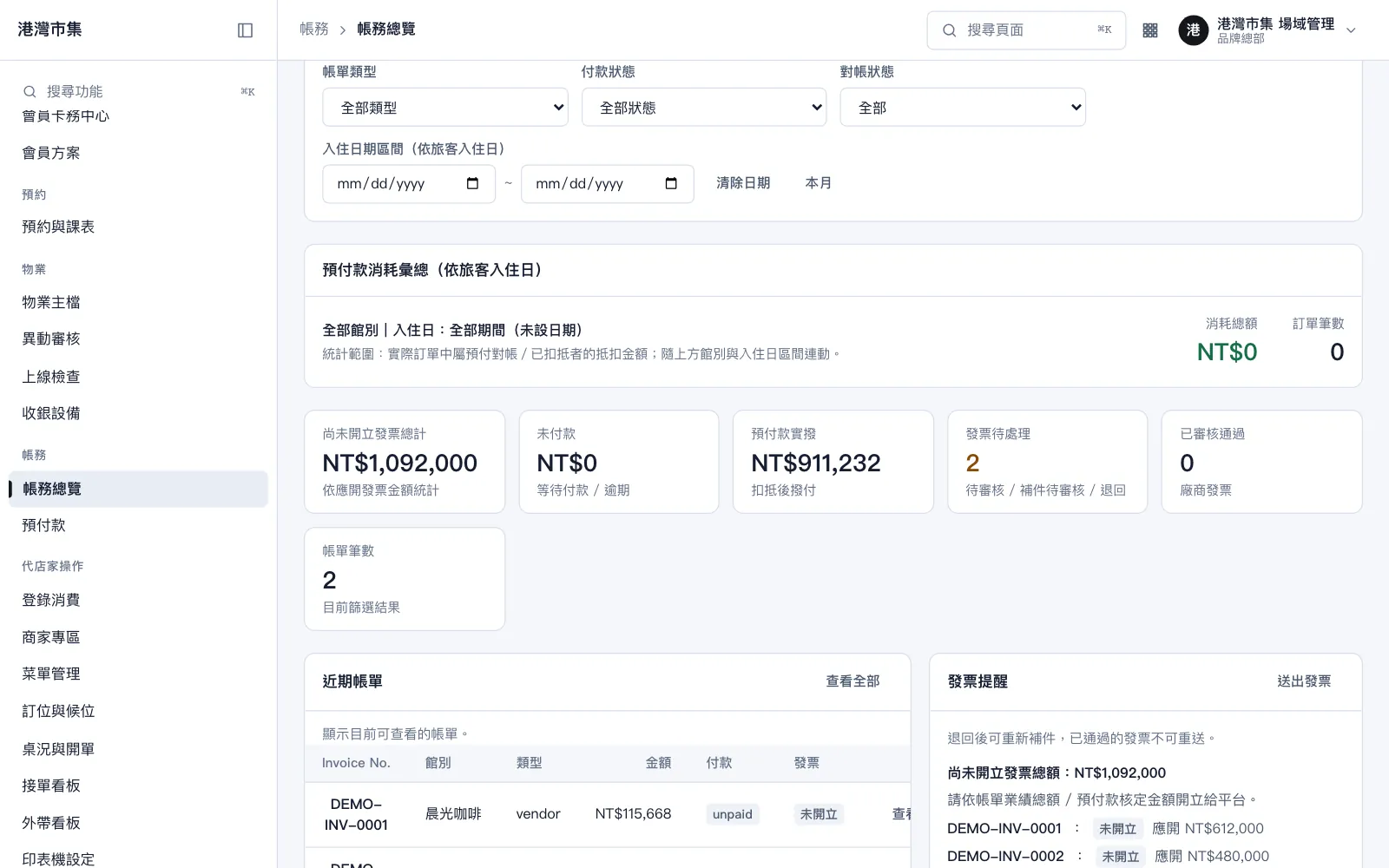
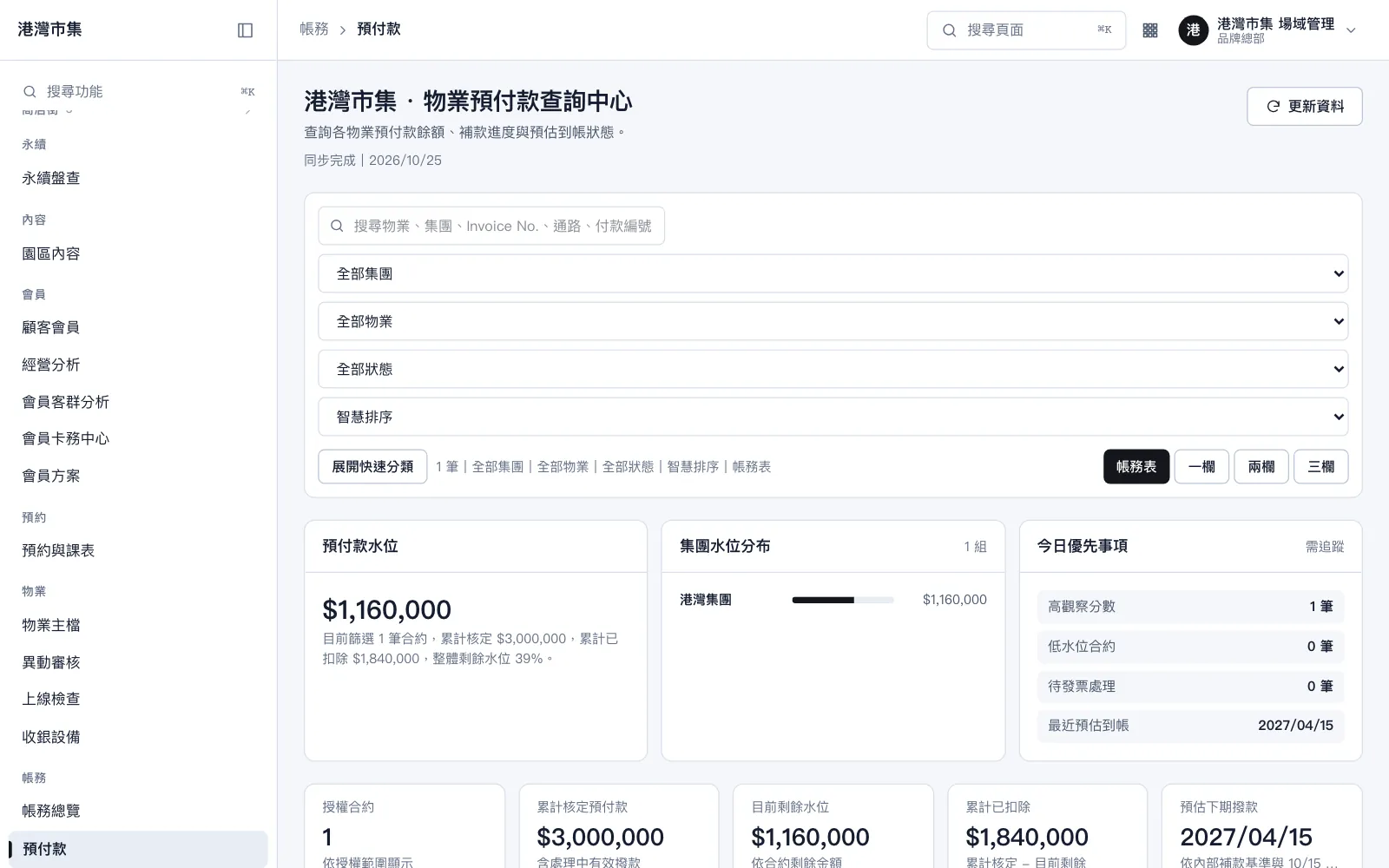
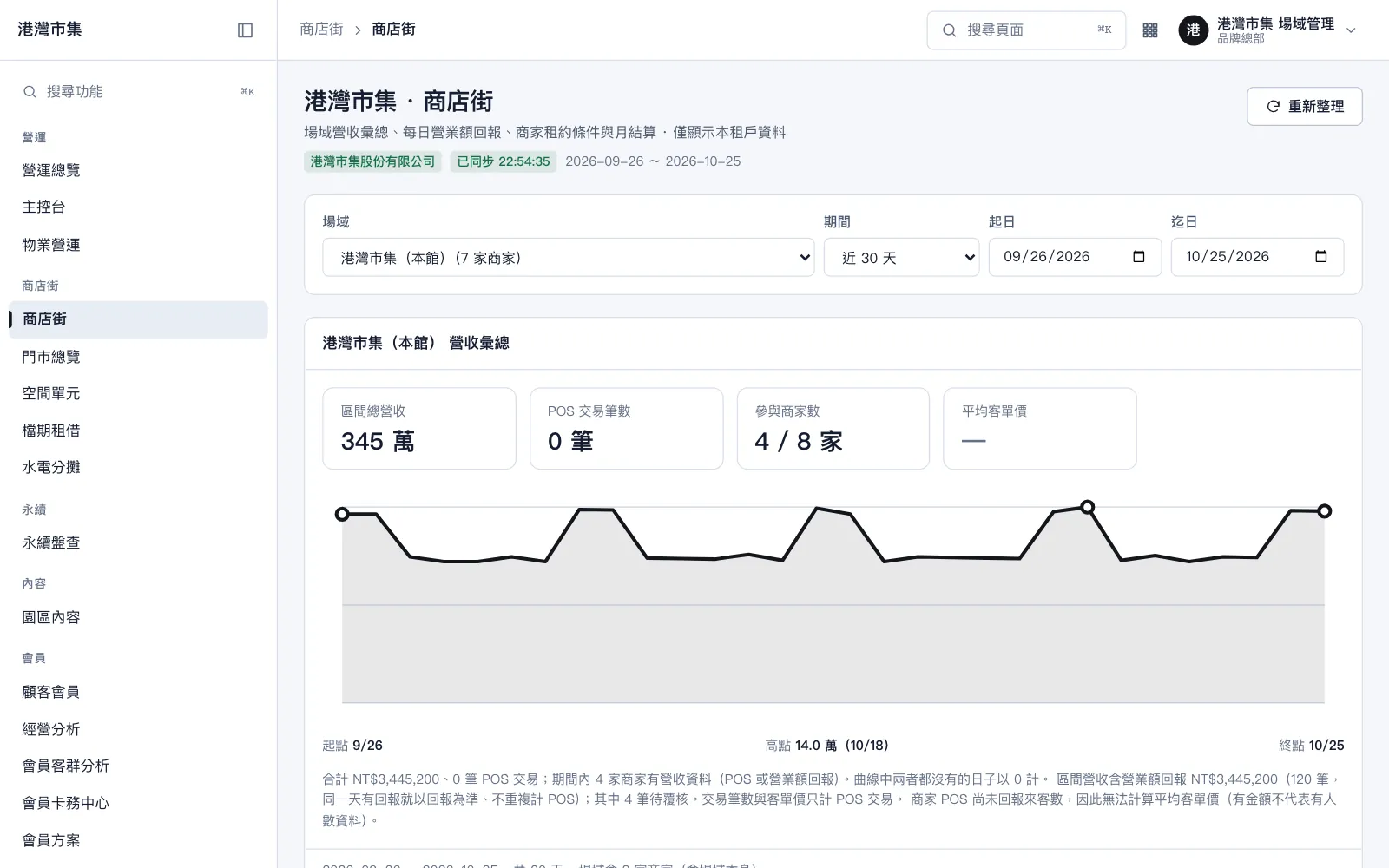
Revenue, settlement and prepayments on one set of numbers
Head office sees every property's revenue and reporting progress. The accounting page lists receivables, payables and actual payouts, and prepayments are deducted from orders automatically.
Stores, members and amounts shown are fictional demo data and do not correspond to any real customer.
Want to see how it fits your venue?
Tell us your venue type and goals, and we will arrange a demo that shows how these screens work for your operation.